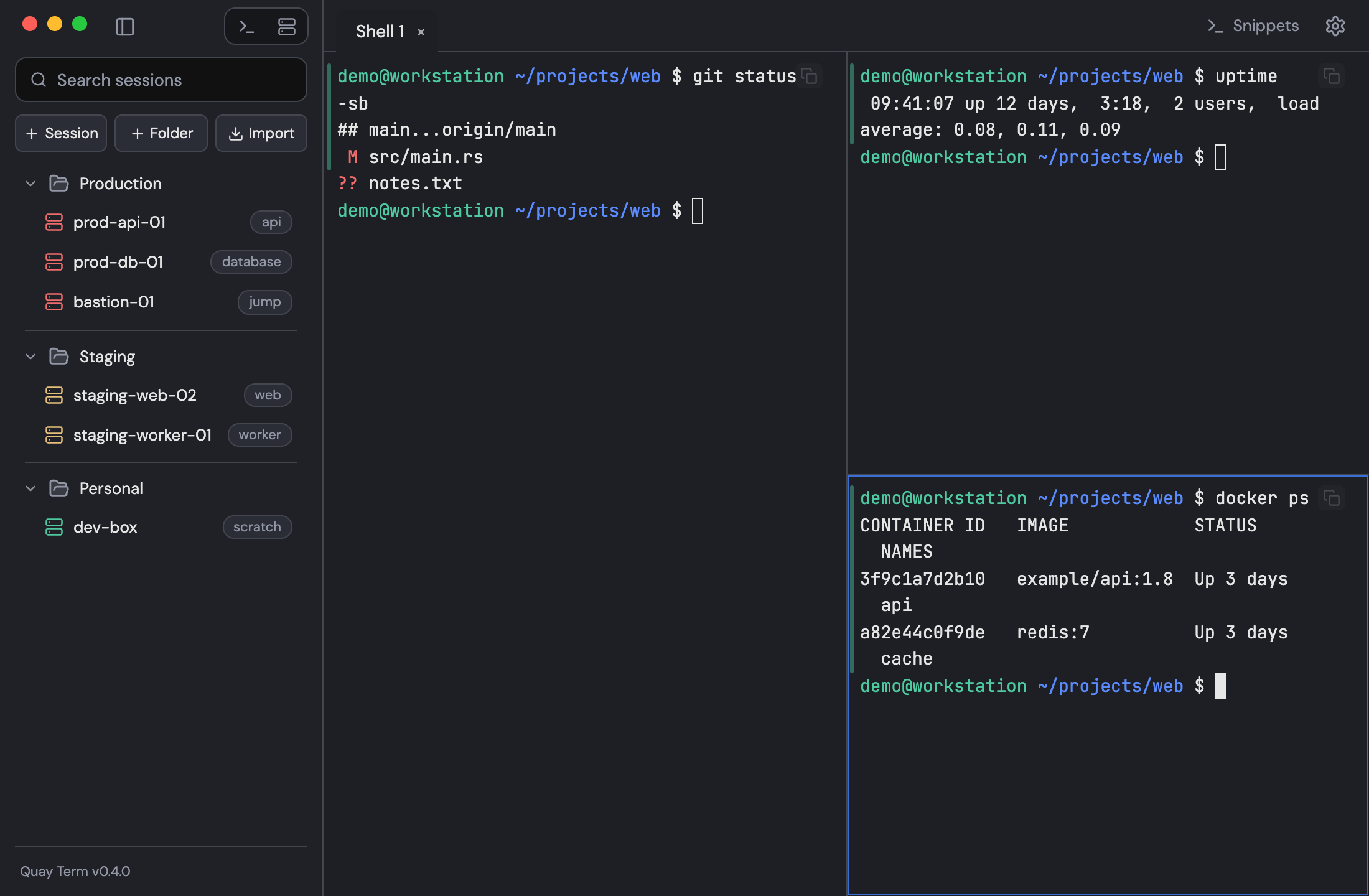
Split panes
Split a tab, zoom one pane and drag panes to rearrange them.
Split right with Cmd+D on macOS or Ctrl+Shift+D on Windows and Linux and split down with Shift+Cmd+D on macOS or Ctrl+Alt+D on Windows and Linux. To fill the tab with one pane, press Shift+Cmd+Enter on macOS or Ctrl+Shift+Enter on Windows and Linux; the other panes keep running. Drag a pane by the strip along its top edge onto another pane's edge to rearrange. The layout is saved with a session.