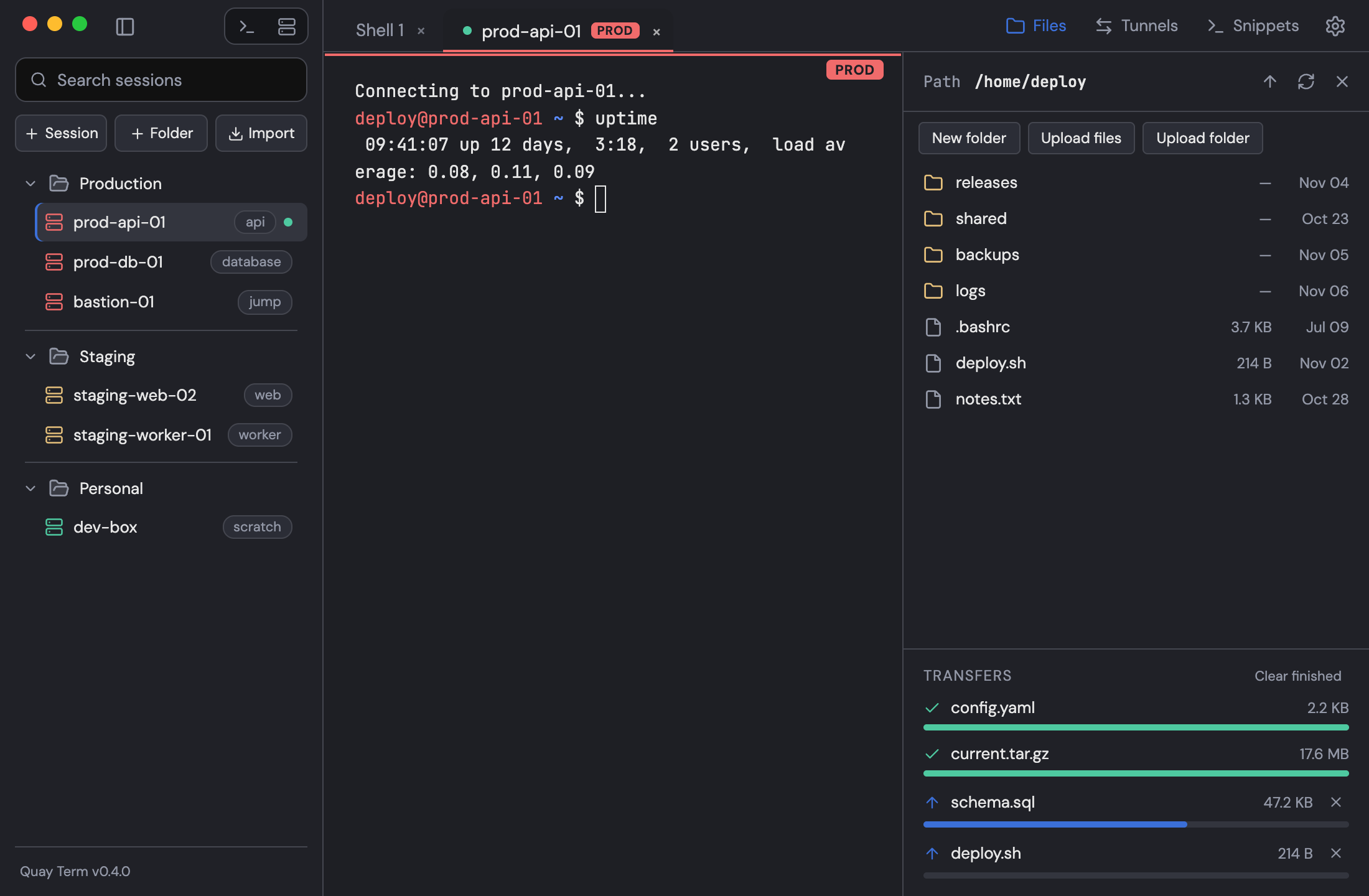
Move files with SFTP
Browse, upload and download files using the same login as the terminal tab.
Toggle the files panel with Cmd+E on macOS or Ctrl+Shift+E on Windows and Linux. It uses the same login as the terminal tab, so you can browse, upload, download, rename, delete and make folders without signing in again. Drop files onto the panel to upload. The queue shows progress and lets you cancel.